
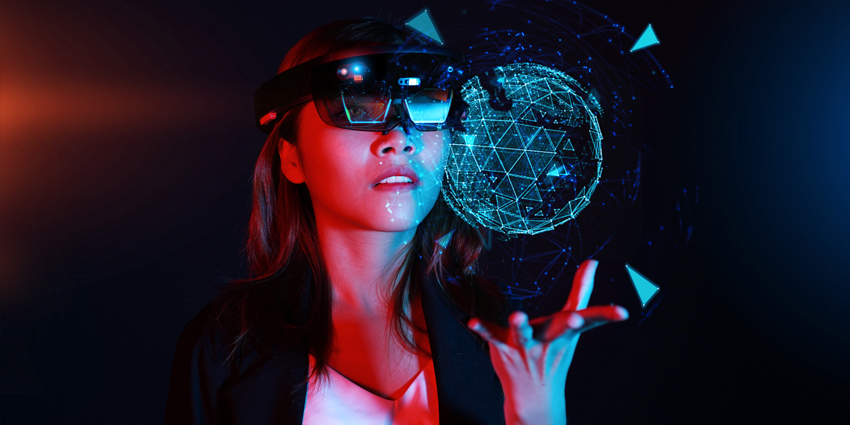
AUGMENTED REALITY VISORS
INTRODUCTION
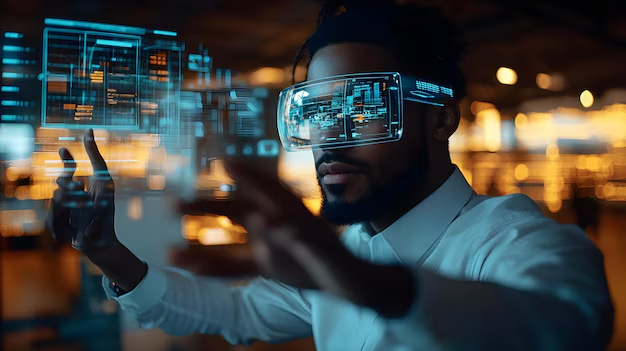
Augmented Reality (AR) visors are wearable devices designed to overlay digital information, images, or objects onto the real-world environment, creating an enhanced interactive experience. Unlike Virtual Reality (VR), which immerses users in a completely digital world, AR integrates digital elements with the physical world, allowing users to interact with both simultaneously.
AR visors are typically worn like a pair of glasses or a helmet, and they feature transparent displays or lenses that project digital content onto the user’s view of the real world. These devices combine sensors, cameras, and sophisticated computing power to track the user’s surroundings, allowing the system to place virtual objects or information in real-time, adapting to the environment.
WORKING OF AR VISORS:
- Sensors and Cameras:
- AR visors typically use a variety of sensors and cameras to capture the user’s environment and track their movements. These can include depth sensors, accelerometers, and cameras to map the surroundings and detect the user’s actions.
- Processing Unit:
- The AR visor processes the data captured by the sensors and overlays digital information accordingly. The processing unit often includes a computer or chipset that handles complex calculations and ensures that the digital content aligns correctly with the real world.
- Projection System:
- The display technology within AR visors projects images, video, and data onto the transparent lenses or screens. This projection is carefully aligned to ensure that the virtual content interacts seamlessly with the real world, appearing in the correct position relative to the environment.
- Connectivity:
- Many AR visors are connected to external devices like smartphones, computers, or cloud services, which provide additional processing power and access to information. This connectivity allows for more advanced features and the ability to access cloud-based applications, data, or real-time collaboration.
APPLICATIONS OF AR VISORS:
- Gaming and Entertainment:
- AR visors enhance gaming experiences by overlaying virtual elements in the real world, allowing players to interact with characters or objects that appear to be physically present in their environment.
- Education and Training:
- In education, AR visors can bring learning materials to life. For example, students can explore 3D models of historical artifacts, biological systems, or mathematical concepts.
- Workplace Productivity:
- AR visors can enhance productivity in various industries by providing real-time data, diagrams, or instructions in the user’s field of view, without the need to look at a computer or tablet. This is particularly valuable for tasks like assembly, remote collaboration, and fieldwork in sectors like manufacturing, logistics, and engineering.
- Healthcare:
- In healthcare, AR visors are used to assist surgeons by overlaying critical information, like patient data or 3D anatomical models, during procedures.
- Navigation:
- This can be useful for both pedestrians and drivers, where real-time directions are projected onto streets or sidewalks.
- Military and Defense: AR visors are used in the military for tactical situations, where soldiers can receive real-time data about their environment, such as enemy positions or terrain details, directly within their line of sight.
KEY FEATURES OF AR VISORS:
Transparent Display: AR visors feature transparent lenses or displays that allow users to see both the real world and digital overlays at the same time
Real-Time Interaction: Through sensors such as cameras, accelerometers, and gyroscopes, AR visors can detect the user’s movements, position, and the surrounding environment
Head Tracking: AR visors track the orientation and movement of the user’s head.
Voice Commands: Some AR visors integrate voice recognition, allowing users to control the system through spoken commands, enhancing the hands-free experience.
Spatial Mapping: The visor may include sensors that scan and map the physical environment. This allows digital objects to be placed more realistically in the real world, such as making virtual furniture appear to sit on the floor of a room or allowing navigation data to be projected onto streets and buildings.
ADVANTAGES OF AR VISORS:
- Enhanced user experiences.
- improved productivity
- Entertainment and Gaming
- learning and Traing
- Improved navigation
DISADVANTAGES OF AR VISORS:
- Cost
- Battery life
- limited field of view
- privacy and security concerns
- Health concerns
- Environmental limitations